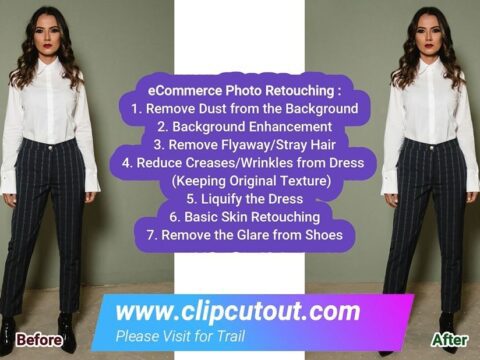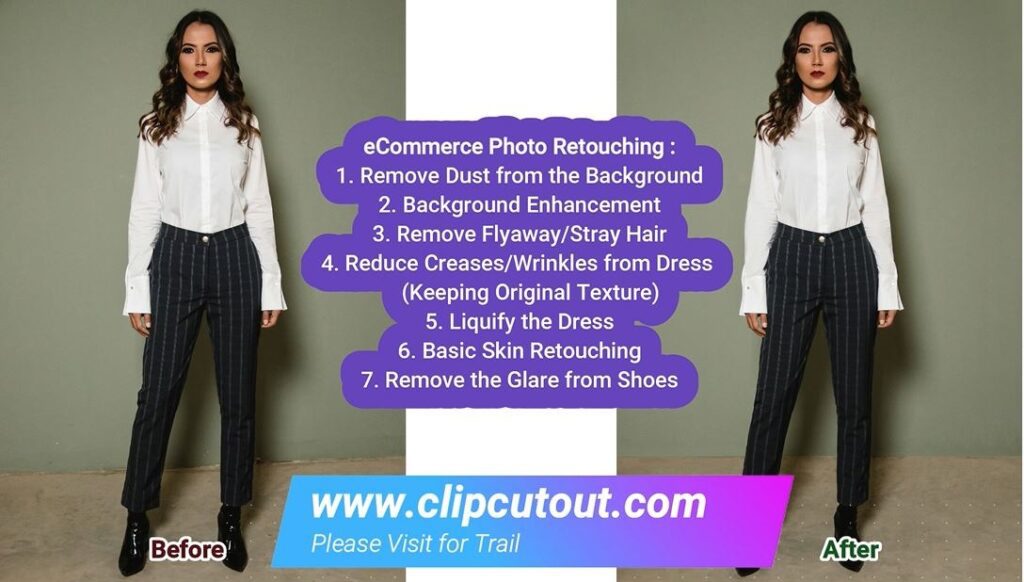
Fashion Photo Editing Services and Retouching for Fashion Brands
May 8, 2026
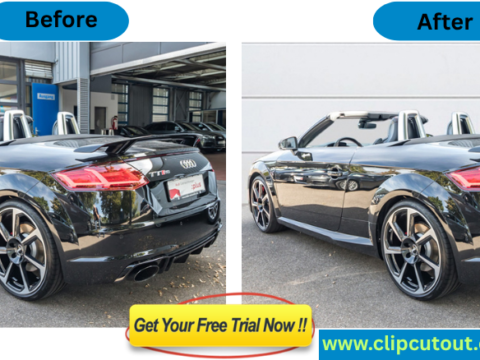
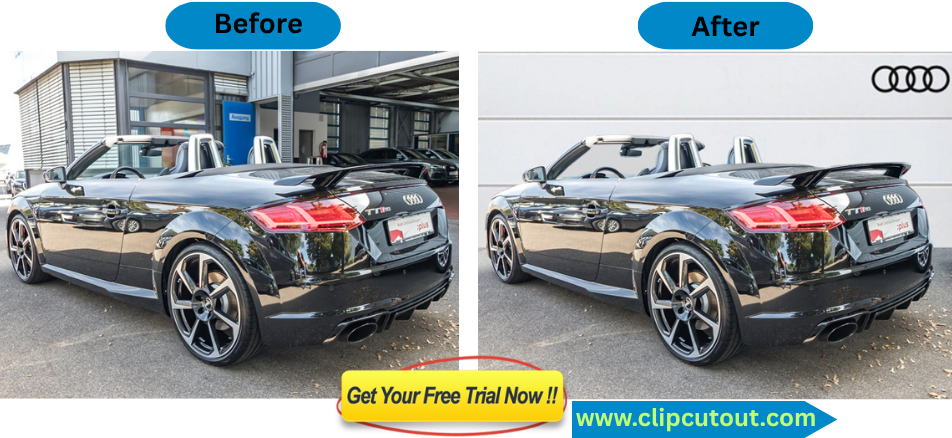
Car Photo Editing Services with Pro Retouching: Get Free Trial
August 27, 2026
Are your product images making you money or costing you sales? Here’s a number that should stop every online store owner in their tracks: it takes just 50 milliseconds for a shopper to form a first impression of your website. That’s faster than a blink. Before they read your product title, before they check your price, before they scroll an inch your images have already made the sale or lost it.
And here’s the uncomfortable truth: inconsistent product photography is one of the most common and most costly mistakes ecommerce brands make. Mismatched backgrounds, mismatched images, inconsistent lighting, inconsistent editing styles, all of these things silently chip away at your credibility, your conversions, and your customer trust.
The good news? Creating a consistent, professional product image library isn’t as complicated as it sounds.
Follow this step-by-step guide and lean on expert post-production partners ClipCutout and you’ll have a visual brand standard that works harder for your business every single day.
Why Consistency in Product Photography Matters?
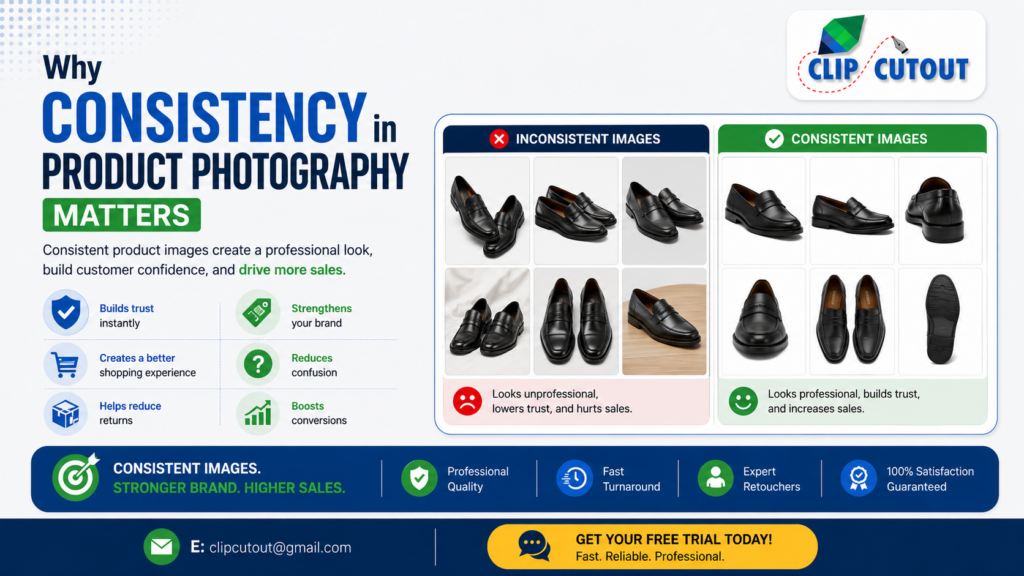
Online shoppers can’t touch, try on or inspect your products in person, so they rely almost entirely on visuals to judge quality, fit and value. Studies show 75% of online shoppers say product photos are their number one decision-making factor over price, over reviews, over descriptions.
Here’s what happens to your store when your images are consistent:
✅ Builds trust instantly: Consistent product images make your store look professional, reliable, and ready to buy from.
✅ Strengthens your brand: When every image follows the same style, customers notice your attention to quality and detail.
✅ Creates a better shopping experience: Clean, uniform visuals make it easier for customers to browse, compare, and choose products.
✅ Reduces confusion: Accurate, consistent images help shoppers understand what they’re buying, from color and size to overall appearance.
✅ Helps reduce returns: When your photos match the actual product, customers are more likely to receive exactly what they expected.
✅ Boosts conversions: High-quality, consistent images give shoppers the confidence to click “Add to Cart.”
Visual consistency isn’t just about looking good it’s about building trust, increasing sales, and growing your business.
Step 1: Define Your Visual Standards with a Brand Style Guide
Background Selection: Choose one background style and use it across every product image consistency matters. A pure white background (#FFFFFF) is the safest choice for most ecommerce platforms because it keeps the focus on the product and meets marketplace requirements. If your brand has a more premium or lifestyle feel, soft beige or light grey can create a warmer, more editorial look.
Avoid colorful, busy, or heavily textured backgrounds that compete with your product for attention.
Need help achieving a clean, flawless background on every shot? Try our this services to to achieve a clean, professional background on every shot so your products always stay in the spotlight where they belong.
Aspect Ratio & Resolution: Use the same aspect ratio for every product image. A square (1:1) format is the most versatile and works well on platforms like Amazon, Shopify, Etsy, and Instagram. For sharp, zoom-friendly images, make sure the longest side is at least 2,000 pixels. Customers who can zoom in to inspect product details are often more confident when making a purchase.
Don’t mix square, portrait, and landscape images within the same store. A consistent layout creates a cleaner, more professional shopping experience.
Framing & Padding:
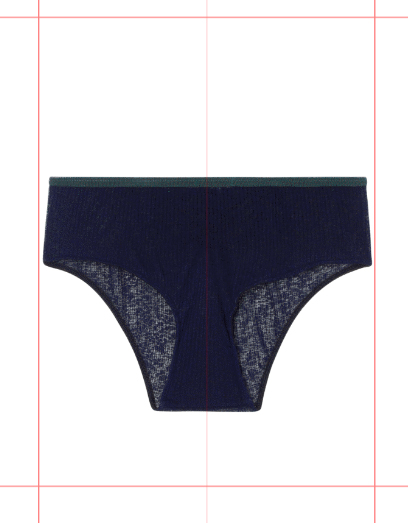
Create a simple rule for how your products appear in every image. As a general guideline, let the product occupy about 80–85% of the frame while leaving enough space around it to breathe.
Choose a consistent alignment as well. Center alignment works for most product categories, while bottom alignment is often better for footwear and certain accessories.
Keeping the same amount of padding around every product gives your storefront a polished, organized, and premium look when customers browse your catalog.
Step 2: Maintain Consistent Lighting Across Every Shoot:
Nothing breaks visual consistency faster than inconsistent lighting. Lighting has the biggest impact on how your products look. Even if your camera, background, and styling stay the same, inconsistent lighting can make your images feel like they were taken by different photographers in different locations.
Here’s how to keep your lighting consistent:
• Use a fixed lighting setup. Whether it’s a lightbox, softbox kit, or natural light from the same north-facing window, stick with one setup for every shoot.
• Don’t mix natural and artificial light. Different light sources have different color temperatures, making it difficult to maintain accurate colors and consistent white balance.
• Photograph products under the same setup whenever possible. Even small changes in light position can affect shadows, highlights, and the way colors and textures appear.
• Keep your camera settings consistent. Record your exposure settings including ISO, aperture, shutter speed, and white balance so you can easily recreate the same look in future sessions.
If you outsource your image editing, a professional team like Clip Cutout can also correct lighting inconsistencies during post-production, ensuring every product photo matches your brand’s visual standard without the need for costly reshoots.
Step 3: Create a Consistent Image Set for Every Product:
Every product should get the same level of visual attention. If some products have five polished photos while others only have a quick front shot, your catalog will feel inconsistent. Instead, create a standard image checklist that every product must follow—no exceptions.
Many successful ecommerce brands use a consistent image set like this:
Hero Shot: This is your primary product image and the first thing shoppers see. It should feature the product centered on a clean, neutral background with consistent lighting, sharp focus, and accurate colors. Your hero shot sets the tone for the entire shopping experience, so make sure every product follows the same style.
As you expand your image set, keep the same order and structure for every product. This makes your catalog look more professional and helps customers know exactly what to expect as they browse. This is your listing’s first impression.
Angle Variations: A strict set of 3 to 5 auxiliary angles covering front, side, back, and close-up texture details. Shoppers want to inspect every inch before they buy.
Detail /Close-Up Shot: Show the details that make your product stand out. Capture close-up images of stitching, fabric texture, hardware, labels, finishes, or any unique feature that helps customers appreciate the quality and craftsmanship.
Lifestyle Shot: Include at least one image that shows the product in a real-life setting or being used by a model. Lifestyle photos help customers understand the product’s size, scale, and intended use while creating a stronger emotional connection.
Flat Lay or Overhead Shot (When Applicable): For categories like fashion, accessories, and home décor, a flat lay or overhead image provides a clean, complete view of the product and highlights its overall shape without distortion.
Step 4: Establish Six Core Rules for Visual Consistency
Professional-looking product images don’t happen by accident they follow a system. No matter when or where your products are photographed, these six rules will help your entire catalog look polished, cohesive, and trustworthy.
1. Use the Same Background Every Time: Choose one background style and stick with it across your entire catalog. A consistent background keeps the focus on your products and gives your store a clean, professional appearance.
2. Keep Product Positioning Consistent: Place every product in the same position within the frame. Consistent alignment, scale, and padding create a seamless browsing experience.
3. Standardize Image Dimensions: Use one aspect ratio and one image size across every product listing. Uniform dimensions make your storefront look organized and ensure images display correctly on every platform.
4. Apply Shadows Consistently: Whether you use a soft drop shadow, a natural reflection, or no shadow at all, apply the same style to every product image. Consistent shadows add depth while keeping your catalog visually unified.
5. Maintain Accurate Colors: Color-calibrate your monitor and use professional color correction to ensure what’s on screen matches what arrives at the customer’s door
6. Follow the Same Editing Style: Same brightness, contrast, saturation, and sharpening values applied to every image in every batch.
Step 5: Optimize Your Technical Specs for Ecommerce Platforms
Getting the creative right is only half the job. Poorly optimized product images don’t just slow down your website they can also lead to marketplace rejections, lower search visibility, and missed sales opportunities.
Optimize Your Images for Performance:
File Format & Compression: Save your product images as web-optimized JPEGs. They provide an excellent balance between image quality and file size, helping your pages load quickly without sacrificing visual appeal. Whenever possible, keep each image under 200 KB without noticeable quality loss. Faster-loading pages create a better shopping experience, reduce bounce rates, and can positively impact your search rankings.
Follow Each Marketplace’s Image Requirements:

Different ecommerce platforms have different image guidelines. Meeting these requirements helps your listings look professional and ensures they aren’t rejected.
• Amazon: Use images that are at least 1,000 pixels on the longest side to enable the zoom feature. The main product image must have a pure white background.
• Shopify: A 2,048 × 2,048-pixel square image is recommended for the best display quality. Keep image dimensions consistent across your entire catalog.
• Etsy: You can upload up to 10 images per listing. Use clean, high-quality photos without watermarks for the best customer experience.
• eBay: Images should be at least 1600 pixels on the longest side, although higher resolutions are recommended. A white or light grey background helps create a clean, professional look.
Ready to Build a Product Image Library That Converts?
Consistent, high-quality product images do more than make your store look better they build trust, improve the shopping experience, and help turn more visitors into customers.
Send your images to [email protected] with your working details and claim your FREE Trial today for professional photo editing and retouching. No commitment, no risk, just professional results that generate more sales.